
Welcome to the Microsoft Copilot Masterclass, your definitive guide to integrating AI into your daily workflow for maximum productivity. After six months of hands-on experiments, testing and real-world use cases, this guide distills everything you need to stop guessing and start executing with AI inside the Microsoft ecosystem.
Whether you want to streamline your documents, automate repetitive work or enhance decision-making with real-time insights, Copilot gives you the tools to work smarter not harder.
Microsoft Copilot Masterclass first section covers the foundational layer of Copilot:
Chat, Vision, Research, Coding and Document Intelligence the essential skills you need before using Copilot inside Word, Excel, PowerPoint or Teams.
Understanding the Core of Microsoft Copilot Productivity
At the heart of Copilot lies Copilot Chat, the multi-modal engine that powers your workflow. Unlike traditional chatbots, Copilot combines:
- Text understanding and reasoning (LLMs)
- Image generation and vision analysis
- Real-time internet research
- Code execution and data visualization
- Document interpretation and extraction
Together, these capabilities unlock a new level of productivity for both beginners and power users.

Generative Image Creation and Visualization
One of the fastest ways to experience Copilot’s power is through AI-powered image generation a feature used widely by designers, marketers, educators and content creators.
How Copilot Generates Unique Images for Creative Workflows
Copilot doesn’t pull images from Google or stock libraries. It creates brand-new visuals using Microsoft’s state-of-the-art image models.
Example from our microsoft copilot masterclass testing:
Prompt: “Generate an image of a futuristic city in the year 2100.”
Copilot generated four unique scenes featuring AI humanoids, robotics, neon-lit architecture and advanced landscapes perfect for use in:
- Presentations
- Social media posts
- Marketing materials
- University projects
- Creative brainstorming
This makes Copilot a productivity booster for businesses, educators and creators needing fast, copyright-safe visuals.

Real-Time Web Research for Up-to-Date Information
Traditional AI models suffer from outdated training data. Microsoft Copilot solves this with live internet browsing.
Example: Using Copilot for Real-World Research
Prompt:
“Give me the top 10 richest people in the world.”
Copilot returns current rankings using fresh data from trusted sources (e.g., Forbes, Bloomberg). But the real magic begins when you chain prompts.
Visualizing Research Automatically
You can immediately follow up with:
“Turn this into a bar chart.”
Copilot will:
- Write Python code
- Execute the code
- Generate a bar chart showing the net worth of each billionaire
- Provide the underlying analysis if you click “View Analysis”
This feature is powerful for:
- Business analysts
- Students
- Researchers
- Content creators
- Data-driven decision makers

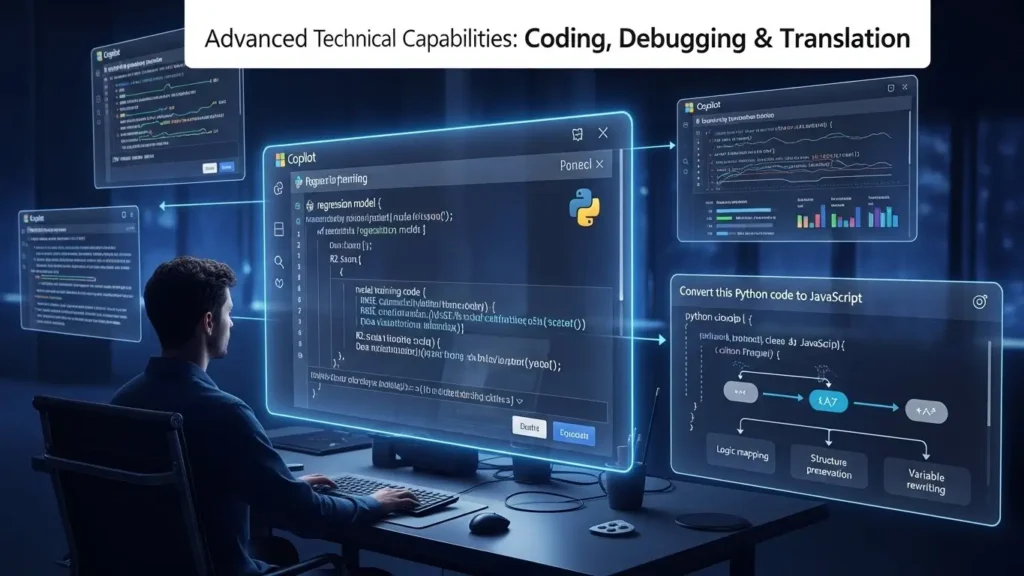
Advanced Technical Capabilities: Coding, Debugging & Translation
Copilot is more than a productivity tool it’s a virtual developer assistant.
Generating Complex Code Automatically
During our Microsoft Copilot Masterclass testing, we prompted Copilot to write Python code for a regression model.
It produced:
- Model training code
- RMSE (Root Mean Square Error)
- R² (Coefficient of Determination)
- Data visualization
This saves countless hours for:
- Data scientists
- Machine learning students
- Financial analysts
- Programmers working under deadlines
Converting Code Between Languages
Prompt:
“Convert this Python code to JavaScript.”
Copilot instantly translated the logic, variables and structure into clean JavaScript incredibly valuable for developers dealing with:
- Legacy system migrations
- Cross-platform apps
- API integrations
Document Intelligence: Extracting Insights from Massive Files
This is one of Copilot’s most impressive features for professionals in finance, auditing, consulting, law or corporate operations.
Reading and Extracting Data from Large Documents
Example from our Microsoft Copilot Masterclass testing:
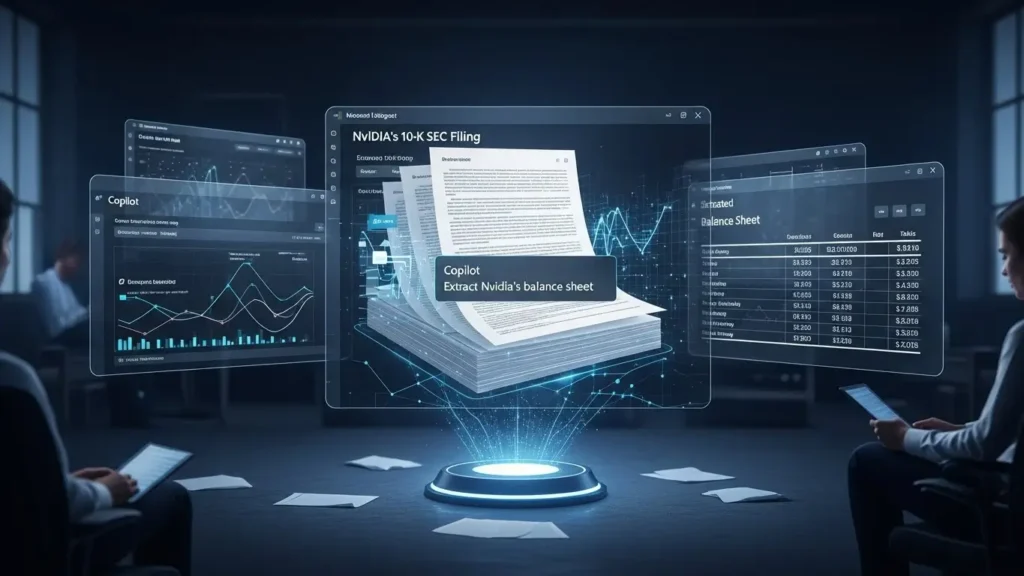
We uploaded Nvidia’s 10-K SEC filing, a multi-hundred-page financial document.
Prompt:
“Extract Nvidia’s balance sheet.”
Copilot:
- Read the entire document
- Located the correct section
- Extracted the financial tables
- Presented the data in a clean, structured format
This eliminates manual scanning of hundreds of pages a massive time-saver for:
- Accountants
- Investors
- Analysts
- MBA students
- Researchers
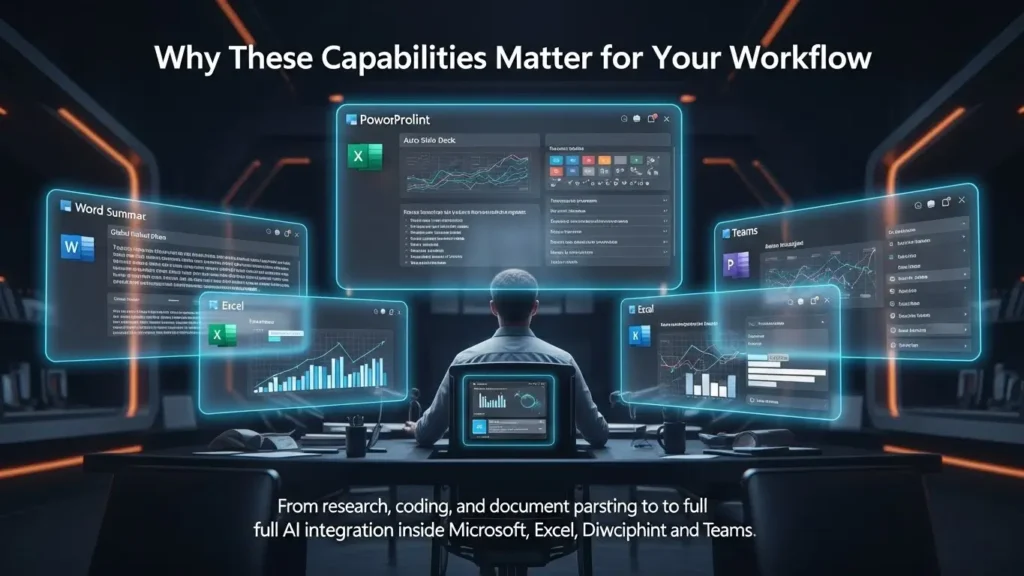
Why These Capabilities Matter for Your Workflow
The tools image generation to coding, research and document parsing form the foundation of Copilot productivity.
They prepare you for the next step:
AI integration directly inside Word, Excel, PowerPoint and Teams, which is where Copilot truly becomes a daily work accelerator.
In the Microsoft Copilot Masterclass next section, you will learn:
- How Copilot summarizes global rollout plans inside Word?
- How to auto-generate slide decks in PowerPoint?
- How to use Copilot to build advanced formulas in Excel?
- How Teams transforms into a smart meeting assistant?
In our Microsoft Copilot Masterclass, we explored Copilot’s core engine research, coding, data extraction and visualization. Now we move into the heart of the digital workplace: Microsoft Word, Excel and PowerPoint.
This is where most professionals spend the majority of their workday and where Copilot delivers some of its most dramatic productivity gains. Instead of acting as a manual content creator, you become a strategist, editor and decision-maker, letting AI handle the heavy lifting.
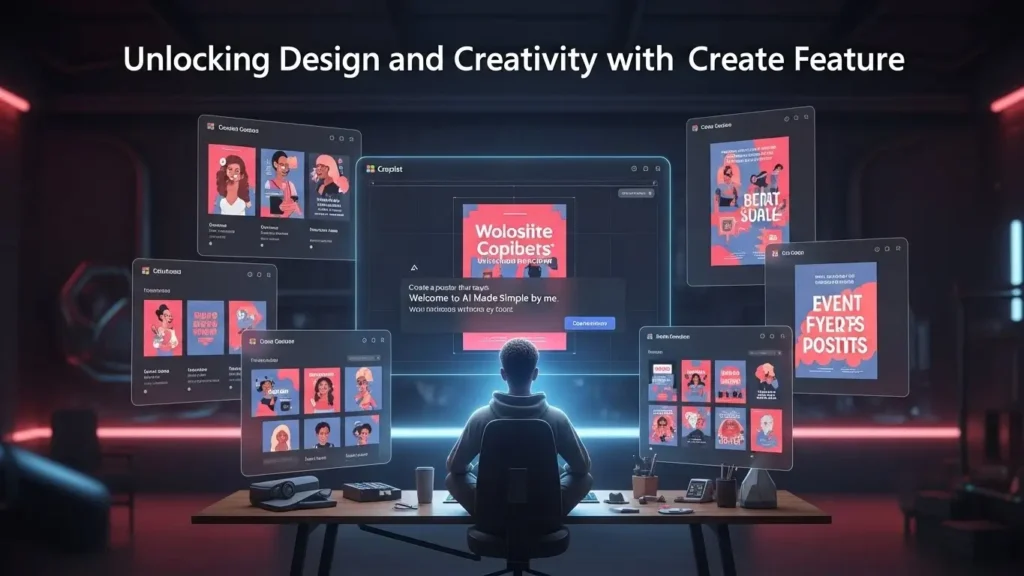
Unlocking Design and Creativity with Copilot’s “Create” Feature
While Copilot is known for its intelligent writing and data-processing capabilities, the Create section is one of the most underrated tools inside the Microsoft Copilot ecosystem.
Instantly Generate Posters, Banners and Visual Assets
Copilot allows you to design professional-quality visuals without using Photoshop, Canva or complex design tools.
During our Microsoft Copilot Masterclass testing, we selected a poster template and simply prompted:
“Create a poster that says: Welcome to AI Made Simple by me.”
In seconds, Copilot produced a polished, visually appealing graphic with readable, embedded text a capability most image generators still struggle with.
This feature becomes incredibly valuable for:
- Corporate announcements
- School projects
- Event flyers
- Social media content
- Training materials
Copilot essentially becomes your on-demand designer, supercharging day-to-day creativity.
Microsoft Word + Copilot: The End of Blank-Page Stress
Writer’s block is a productivity killer in workplaces. Copilot in Word solves this instantly.
Create Full Reports and Professional Documents from a Single Prompt
Copilot appears in the Word ribbon and sidebar, ready to generate full-length documents.
Example from our Microsoft Copilot Masterclass simulation:
Prompt:
“You are on Apple’s product marketing team. Create a report summarizing the global rollout plan for the next iPhone.”
Copilot generated:
- A structured executive summary
- Region-by-region rollout timelines
- Launch strategy insights
- Market positioning analysis
- A polished narrative with professional tone
You don’t start from scratch. You edit, refine and direct while Copilot handles the drafting.
This workflow cuts hours from report creation, making it ideal for:
- Corporate teams
- Marketing departments
- Project managers
- Students and educators
Microsoft PowerPoint + Copilot: Slide Decks Built in Minutes
If Word is about writing, PowerPoint is about storytelling and Copilot is a game changer for both.
Turn a Single Idea into a Full Presentation
In this Microsoft Copilot Masterclass we tested this feature by prompting:
“Create a presentation about AI and the future of education.”
Copilot followed a flawless workflow:
- Outline Generation: It created a detailed presentation blueprint.
- Slide Creation: After approval, it generated the full deck.
- Design + Visuals: Copilot chose layouts, arranged content and produced relevant imagery.
The result:
A complete, professional presentation built in minutes, not hours.
This is perfect for:
- Educators
- Conference speakers
- Business teams
- Startup founders
- Corporate trainers
Copilot doesn’t just create slides it creates story-driven presentations with design intelligence built in.
Microsoft Excel + Copilot: Python-Powered Data Analysis
Excel is intimidating for many users. Copilot changes this by adding an AI layer and full Python integration.
Ask for Charts, Analytics and Data Insights in Natural Language
During our Microsoft Copilot Masterclass testing, we prompted:
“Plot a histogram of the Age column.”
Copilot:
- Interpreted the data
- Wrote Python code
- Executed the script
- Produced a clean, ready-to-use histogram
- Allowed us to click Add to Sheet to embed the graphic
This feature democratizes advanced analytics for:
- Financial analysts
- Small business owners
- MBA students
- HR teams
- Data-driven decision makers
You don’t need to memorize formulas. Copilot understands intent and does the math for you.
The Synergy of Word, Excel and PowerPoint with Copilot
The true power of Copilot isn’t using the apps individually. It’s using them together, seamlessly.
A Real-World Productivity Workflow
- Use Excel to analyze customer data.
- Use Word to draft a business report summarizing the findings.
- Use PowerPoint to create a presentation for your leadership team.
Copilot understands context across apps, which creates a unified productivity ecosystem designed for modern, fast-paced workplaces. But the future goes even deeper.
What’s Coming Next: AI Agents with Memory and Reasoning
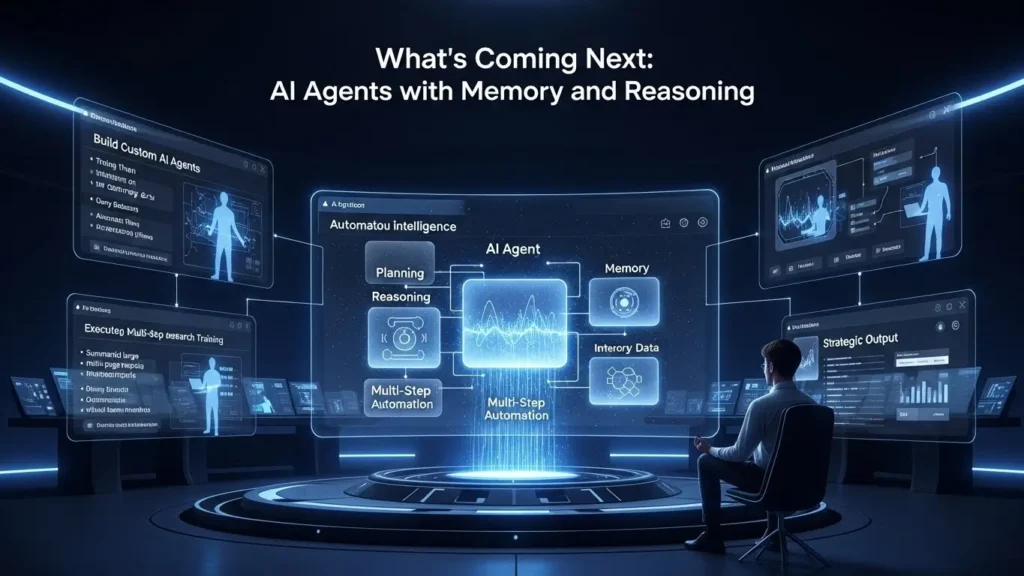
Productivity tools are powerful but they become unstoppable when managed by AI Agents that can plan, remember, reason and act.
In this Microsoft Copilot Masterclass, you’ll learn how to:
- Build custom AI agents
- Train them on your company’s internal data
- Automate onboarding
- Summarize large reports
- Run multi-step research tasks
- Deliver insights like a virtual employee
As we conclude this Microsoft Copilot Masterclass series, we move beyond the creativity tools and Microsoft 365 integrations. Now, we step into the most transformative layer of Microsoft’s AI ecosystem AI Agents.
These agents mark a shift from traditional AI assistance to autonomous, reasoning-driven, task-executing digital employees capable of analyzing data, running code, querying internal knowledge and delivering deeply strategic output.
In other words, if Copilot in Word is your assistant, AI Agents are full-fledged team members that think, plan and act.
What Are AI Agents? The Next Stage of Copilot Productivity
Microsoft AI Agents (Analyst, Researcher and Custom Agents) are specialized systems designed to perform high-value work that traditionally requires expert-level skills.
Unlike standard Copilot Chat, these agents:
- Execute multi-step tasks
- Run Python code
- Analyze large datasets
- Conduct research and cite sources
- Build structured reports
- Ground responses in internal knowledge
- Work autonomously with minimal prompting
This evolution unlocks a new frontier of 10x productivity for organizations using Microsoft 365.
The Analyst Agent: Your On-Demand Data Scientist
How It Works
The Analyst Agent specializes in data cleaning, analysis and visualization. You can upload spreadsheets, CSV files or raw data directly into the agent and ask for insights using natural language.
Example from our Microsoft Copilot Masterclass
We uploaded a dataset and prompted:
“Analyze this file and provide the key insights.”
The Analyst Agent instantly:
- Cleaned the raw data
- Generated Python code automatically
- Built visualizations such as histograms and trend charts
- Summarized patterns, trends and anomalies
- Delivered conclusions ready for reports or presentations
Why It Matters
Traditional analytics workflows take hours or days. The Analyst Agent compresses this work into minutes, making data analysis accessible even to non-technical users.
AI data analyst, Copilot Python integration, automated data visualization, business intelligence AI, Microsoft 365 analytics tools.
The Researcher Agent: Enterprise-Grade Knowledge Synthesis
If knowledge is power, the Researcher Agent is a full-time research associate that never sleeps.
Deep Research in Minutes
In our test scenario, we gave it a private-equity-style task:
“You want to invest in emerging fintech startups in North America. List five companies.”
The Researcher Agent automatically:
- Reviewed online databases and startup lists
- Identified relevant fintech disruptors
- Analyzed their funding rounds and market position
- Synthesized all information into a concise market-intelligence report
Grounding for EEAT
What makes this tool powerful is Grounding the agent cites multiple sources, allowing you to verify information and maintain high standards of:
- Experience
- Expertise
- Authority
- Trustworthiness
This level of research output rivals work traditionally produced by analysts in finance, consulting and corporate strategy.
AI research agent, market analysis report, autonomous research tool, Copilot Researcher, grounded citations, fintech market insights.
Building Your Own Custom AI Agents in Copilot Studio
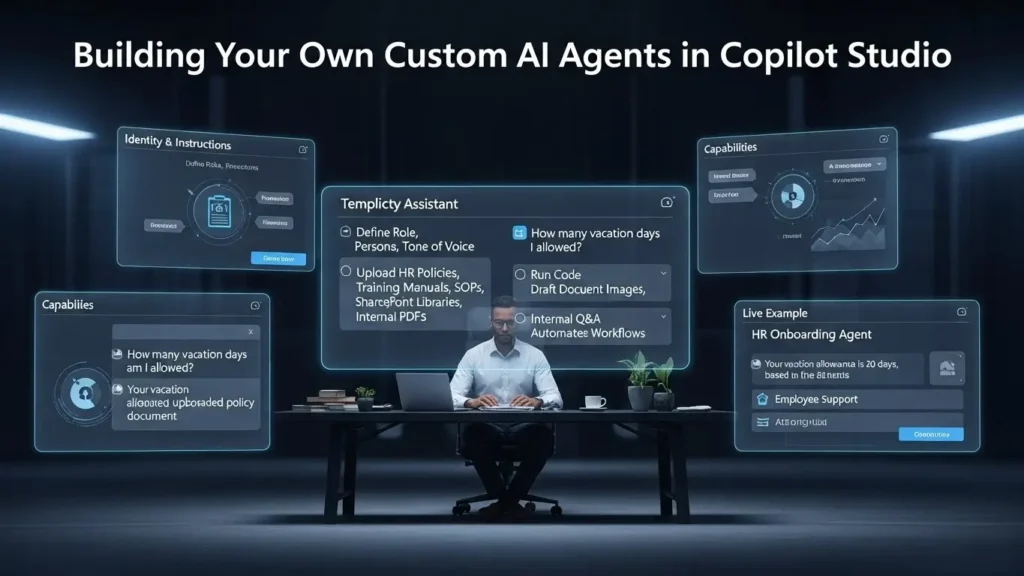
Perhaps the most game-changing capability in this Microsoft Copilot Masterclass is the ability to build your own AI workforce. With Copilot Studio, anyone can create a specialized, policy-aware, knowledge-grounded agent no coding required.
Core Components of a Custom Agent
A. Identity & Instructions
You define the agent’s:
- Name (e.g., “Templicity Assistant”)
- Role
- Persona
- Tone of voice (professional, concise, friendly, etc.)
B. Knowledge Base
This is the true powerhouse of customization.
You can upload:
- HR policy documents
- Training manuals
- SOPs
- SharePoint libraries
- Product documentation
- Internal PDFs
The agent will ground all responses in this internal knowledge meaning it only answers based on your organization’s actual data.
C. Capabilities
You can toggle whether the agent can:
- Run code
- Draft documents
- Generate images
- Answer questions only from internal sources
- Perform automated workflows
Real Example: Creating an HR Onboarding Agent
During the Microsoft Copilot Masterclass, we built an Onboarding Agent and uploaded internal HR policies, including vacation rules.
We asked:
“How many vacation days am I allowed?”
Because the agent was grounded in company data, it answered accurately:
“Your vacation allowance is 20 days, based on the uploaded policy document.”
This is transformative for:
- HR teams
- IT departments
- Customer success
- Internal operations
- Employee onboarding
- Policy compliance
Your agent becomes a trusted internal knowledge oracle.
Custom AI automation, HR support AI, enterprise knowledge grounding, Copilot Studio tutorial, internal data AI agent, Microsoft 365 automation.
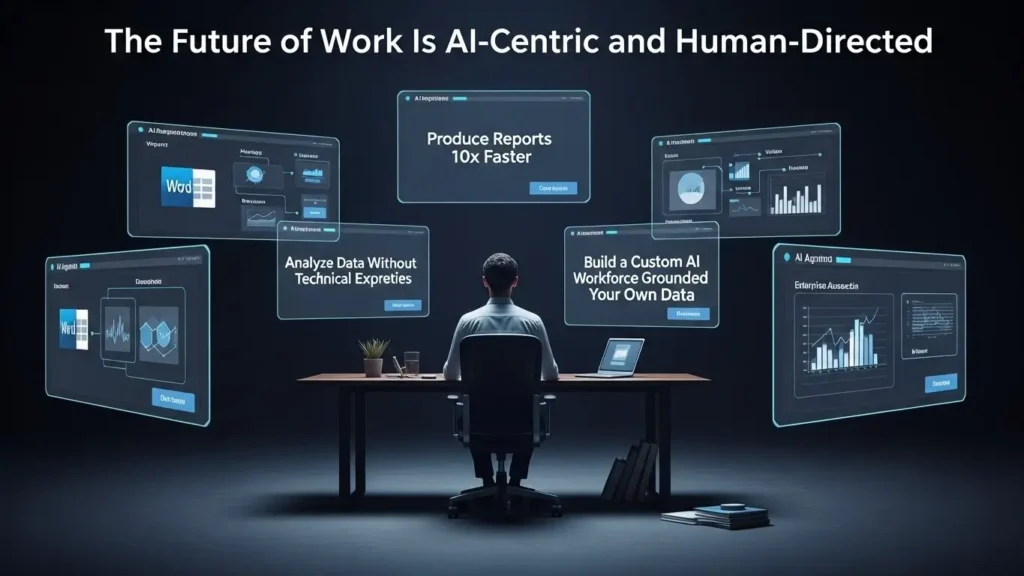
Conclusion: The Future of Work Is AI-Centric and Human-Directed
Throughout this Microsoft Copilot Masterclass, we have explored:
- Content generation in Word
- Python analytics in Excel
- Automated slide creation in PowerPoint
- Creative asset generation
- And now, the rise of autonomous AI Agents
Across all these tools, your role evolves from “manual worker” to strategic director.
Copilot and AI Agents unlock the potential to:
- Produce reports 10x faster
- Analyze data without technical expertise
- Conduct enterprise research in minutes
- Build a custom AI workforce grounded in your own data
The next era of productivity isn’t about working harder it’s about intelligently directing AI systems designed to work for you.
FAQs:
Q1: Is Microsoft Copilot free, or do I need a paid subscription?
A: Microsoft Copilot offers both free and paid versions. The free version provides basic chat and AI features, while Copilot Pro and Copilot for Microsoft 365 unlock advanced integrations in Word, Excel, PowerPoint, Teams, Outlook and custom AI agents. Users who want full productivity features typically upgrade to a paid plan.
Q2: Can Microsoft Copilot automate repetitive tasks in Word and Excel?
A: Yes. Copilot can automate drafting, data formatting, summarizing, rewriting, generating reports and even creating visualizations using Python. This helps eliminate repetitive manual work and significantly boosts productivity for professionals.
Q3: Does Copilot work with older versions of Microsoft Office?
A: No. Microsoft Copilot requires Microsoft 365 cloud-based applications. Older offline versions like Office 2016 or Office 2019 do not support Copilot integrations because they lack the necessary cloud AI infrastructure.
Q4: How accurate is Copilot for technical tasks like coding and data analysis?
A: Copilot is highly accurate for structured tasks such as generating Python scripts, debugging code, creating regression models or analyzing datasets. It also shows the underlying code for transparency, enabling users to verify the logic behind each output.
Q5: Can I trust Copilot with sensitive business documents?
A: Yes, when using Copilot within Microsoft 365. Your data stays within your secure Microsoft cloud environment. Additionally, custom AI agents only reference the documents you upload, ensuring privacy, compliance and data confidentiality.
Q6: What’s the difference between Copilot Chat and AI Agents?
A: Copilot Chat is a general-purpose conversational assistant used for generating text, images, code or simple research. AI Agents (Analyst, Researcher, Custom Agents) are autonomous specialists that can run code, analyze data, execute research workflows and produce structured reports making them far more powerful for professional productivity tasks.
Q7: Can Copilot analyze private or confidential company data?
A: Yes. Using Custom AI Agents in Copilot Studio, you can upload internal files or connect SharePoint libraries. The agent will base its answers solely on your internal data, ensuring privacy, accuracy and compliance.
Q8: What skills do I need to get the most out of Microsoft Copilot?
A: No technical skills are required. However, users gain more value if they understand prompt writing, basic Excel concepts and how to structure instructions. With consistent usage, Copilot becomes easier and more intuitive, even for beginners.
Q9: How does Copilot ensure research accuracy and trustworthiness?
A: The Researcher Agent uses Grounding meaning it pulls information from multiple verified online sources and cites them. This maintains high standards of Authority and Trustworthiness (EEAT) for professional research.