

Dive deep into Trae AI, the new autonomous Coding Agent from ByteDance (the creators of TikTok) that promises to redefine software development speed and complexity. This comprehensive review breaks down the revolutionary Solo Builder mode, designed to take your raw ideas from “Zero to One” by autonomously generating fully functional MVPs from planning documents to live deployment without boilerplate friction.
Discover how the powerful Solo Coder mode handles the “One to 100” journey, featuring groundbreaking parallel tasking and Plan Mode to manage large-scale refactoring and secure feature implementation (like user authentication) across complex codebases. Learn why Trae’s architecture, which includes custom sub-agents and real-time context management, makes it a superior, more autonomous competitor to established tools like Cursor AI.
The landscape of software development is shifting beneath our feet. There was a time not so long ago when coding was a strictly manual endeavor. You wrote every line, debugged every error, and built every feature from scratch. But today, we are in the era of the Coding Agent, where the barrier between a raw idea and a working product has never been lower.
In this Trae AI review, we are going to explore a tool that promises to take you not just from “Zero to One,” but eventually from “One to 100.” If you have been using tools like Cursor AI, Windsurf, or GitHub Copilot, you know the potential. But Trae AI offers a fresh philosophy that might just change how you approach your next project.
The “Zero to One” vs. “One to 100” Philosophy
Before diving into the technical specs of this powerful Coding Agent, it is crucial to understand the philosophy that drives it. In the world of product development, there are two distinct phases:
- Zero to One: This is the “creation” phase. It is when you go from absolutely nothing just a pipe dream or a rough idea in your head to a tangible, working MVP (Minimum Viable Product). For example, imagining a tool that converts Markdown to PDF is “Zero.” Having a basic web app that actually does it is “One.”
- One to 100: This is the “refinement” phase. This is where you take that rough prototype and polish it into a production-ready, scalable, and competitive product. This involves deep coding, adding complex features, security hardening and UI/UX improvements.
Trae AI has built its entire ecosystem around these two concepts, offering distinct modes to handle each phase efficiently. Solo Builder for the rapid “Zero to One” journey and Solo Coder for the rigorous “One to 100” climb.

Getting Started with Trae AI
Trae AI is built as a fork of VS Code, which means the interface will feel immediately familiar to millions of developers. The onboarding process is streamlined to get you coding quickly:
- Installation: You can download the client from the official Trae AI website.
- Setup: Upon launching, you can import your existing VS Code extensions and configurations, ensuring you don’t lose your personalized setup.
- Authentication: You will need to log in to access the AI features. While there are free tiers available, serious work often requires upgrading to the Pro version (approx. $10/month) to avoid rate limits on the advanced LLMs that power the system.
| Feature | Trae AI (Solo Builder) | Cursor (Composer) | GitHub Copilot |
| Primary Goal | Build Apps from Scratch (0 → 1) | Edit/Refactor Code (1 → 100) | Autocomplete Lines |
| Agentic Ability | High (Runs terminal, creates files) | High (Composer mode) | Low (Chat based) |
| Planning | Writes a “Tech Spec” first | Dives straight into code | No planning phase |
| Cost | Free (Currently) | $20/mo | $10/mo |
Solo Builder: The “Zero to One” Powerhouse
The star of the show for new ideas is the Solo Builder mode. This feature is designed to act as a “responsive coding agent.” It doesn’t just autocomplete lines it manages its own terminal, opens its own browser, runs its own tests and iteratively builds your project.
Case Study: Building a Markdown-to-PDF Generator
To test the “Zero to One” capabilities of Trae AI, we tasked Solo Builder with a specific challenge: Create a Next.js web app where a user can enter Markdown text, and the app generates a downloadable PDF.
Here is how Trae AI handled the workflow:
- The Prompt: We provided a clear instruction: “Create a Markdown to PDF generator using Next.js… Handle tables, code and edge cases efficiently.”
- The Planning Phase: Instead of blindly writing code, Trae AI first generated a “Technical Architecture Document.” It outlined the dependencies (Tailwind, TypeScript) and the step-by-step plan (Initialize project, create API routes, implement UI).
- Execution: The agent began executing tasks sequentially. It created the folders, installed dependencies and even spun up a local server.
- Self-Correction: This is where Trae AI shines. It doesn’t just output code; it verifies it. During the process, it noticed that the PDF generation wasn’t working initially. The agent autonomously flagged the error, analyzed the console logs and applied a fix all without human intervention.
The Reality of AI-Generated MVPs
While Trae AI successfully built the app, the “Zero to One” process wasn’t without hiccups. For instance, despite being asked for a Next.js project, the agent opted for a Vue/Vite setup in one instance and an Express backend in another.
This highlights a critical lesson for any developer using an Coding Agent: Trust but verify. Trae AI is exceptional at getting you something that works (the “One”), but it may make architectural decisions that differ from your original request to prioritize speed or simplicity. For an MVP, this is often acceptable. You want to see your idea come to life and Solo Builder delivers that magically.
The UI it generated was clean, with syntax highlighting and a functional “Generate PDF” button. When styling issues appeared (like H2 headers not rendering boldly), we simply told the agent, “The H2 headers aren’t bold,” and it parsed the CSS, found the conflict, and fixed it instantly.
Why “Zero to One” Matters
For entrepreneurs and indie hackers, Trae AI removes the paralysis of starting. You no longer need to spend three hours setting up a boilerplate. You can describe your vision and within minutes, have a functional prototype running in your browser. This allows you to validate ideas faster than ever before.
However, building a prototype is only half the battle. Once you have your “One,” you need to scale it to “100.” This requires a different set of tools and a different mindset a transition from “building” to “coding.” This is where Trae AI introduces its second powerhouse mode Solo Coder.
we explored how Trae AI revolutionizes the “Zero to One” journey taking a raw idea and turning it into a functional prototype with the Solo Builder. But for professional developers, the real work begins after the prototype is built. This is where the “One to 100” phase kicks in: scaling, refining, refactoring and adding complex backend logic.
To handle this, Trae AI introduces its most powerful feature for serious engineers: Solo Coder.

Solo Coder: The “One to 100” Philosophy
While Solo Builder acts like a rapid prototyper, Solo Coder functions as a senior software engineer or a diligent pair programmer. It is designed for deep coding tasks where precision, architectural integrity and context are paramount.
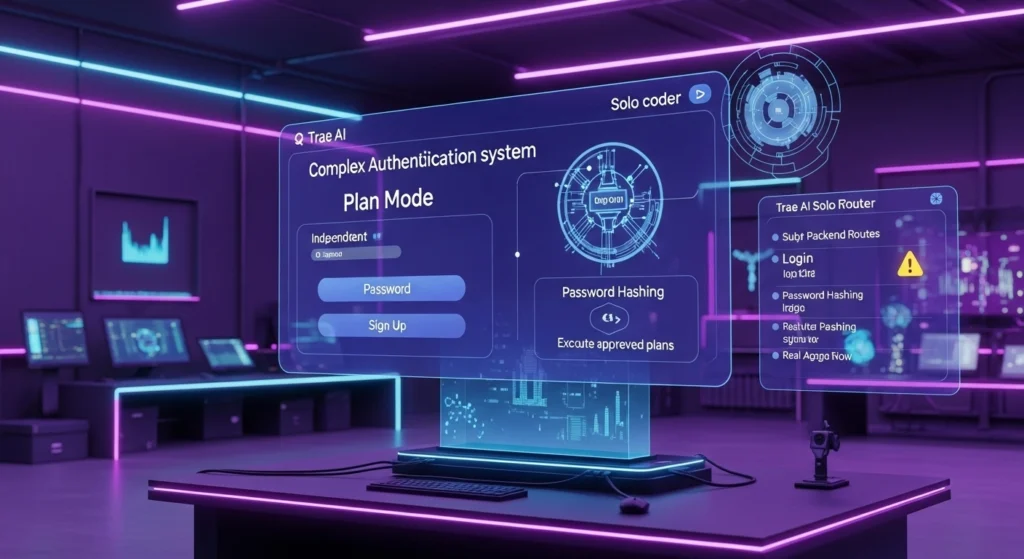
Unlike the “build it all at once” approach of the builder mode, Solo Coder operates with a distinct Plan Mode. This feature mimics how a human developer approaches a complex problem:
- Analyze: It reads your codebase to understand the existing context.
- Plan: It proposes a step-by-step strategy before writing a single line of code.
- Delegate: It can break down tasks and even assign them to specialized sub-agents.
- Execute: It writes the code only after you approve the plan.
This workflow is critical when you are moving from “One to 100.” You don’t want an Coding Agent continuously overwriting your files without a strategy. You want control.

The Power of Parallel Tasking
One of the most groundbreaking features demonstrated in our testing of Trae AI is its ability to handle Parallel Execution.
In traditional AI coding workflows, you are often blocked. If you ask the AI to “refactor the database schema,” you have to sit and wait for it to finish before you can ask it to “update the frontend UI.” Trae AI breaks this serial limitation.
Real-World Scenario: The E-Commerce Project
To test this, we utilized an e-commerce project a developer merchandise store selling t-shirts and hoodies. We wanted to implement two completely unrelated features simultaneously:
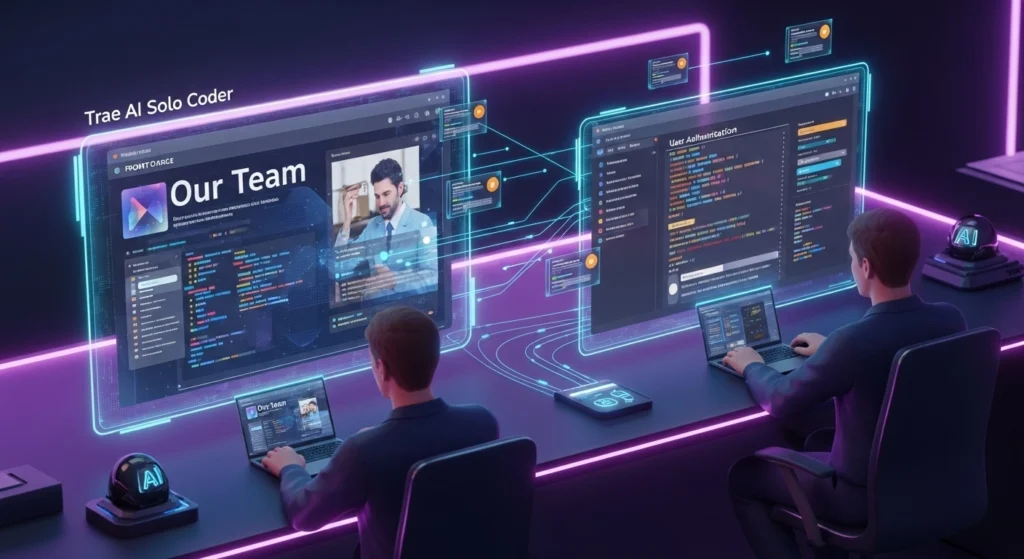
- Task A (Frontend): Create a new “Our Team” section in the navigation bar and build a corresponding “About Us” page with a responsive layout.
- Task B (Backend/Security): Implement a secure User Authentication system with password hashing, login/signup pages, and session management.
In Trae AI, we opened the Solo Coder interface and assigned these as separate tasks.
- The Result: Both tasks ran in parallel. While one agent was busy generating the UI components for the team page, a separate instance was architecting the backend authentication logic. This “multi-threaded” approach to AI coding is a massive productivity booster, allowing developers to act as project managers overseeing multiple workstreams at once.
Creating Your Own AI Workforce: Custom Agents
Trae AI goes beyond just being a smart text editor, it allows you to build a team of specialized agents. In our review, we realized the e-commerce store needed compelling product descriptions. Instead of doing it ourselves, we created a custom sub-agent.
Using the Smart Generate Agent feature, we provided a simple prompt:
“Create an agent that writes product descriptions for this merchandise store. It should know the brand story, the tone of voice, and the target audience.”
Trae AI instantly generated a specialized agent named “Merge Copywriter.” This wasn’t just a chat bot, it was a persistent tool we could call upon specifically for content generation tasks. You can set these agents to be triggered automatically by Solo Coder or invoke them manually. This modularity means you can have a “Security Agent” for reviewing code, a “CSS Agent” for fixing styling and a “Copywriter Agent” for content all working within the same Coding Agent.

The “Plan Mode” in Action: Authentication
Let’s look deeper at how Solo Coder handled the complex task of user authentication. When we initially requested the feature, Trae AI generated a plan.
However, the initial plan wasn’t perfect. It proposed a basic auth setup that conflicted with some of our specific requirements for independent sign-up buttons. Because we were in Plan Mode, we didn’t have to undo hours of bad coding. We simply rejected the plan and refined our instruction:
“I want a completely independent authentication system with separate sign-up and login buttons in the navbar.”
Trae AI updated the architecture document instantly. Once we clicked “Execute,” the agent went to work:
- It created the
authroute handlers. - It built the Login and Sign-Up UI components.
- It implemented the password hashing logic.
The Human-in-the-Loop Necessity
Even with such advanced capabilities, the “One to 100” journey requires human oversight. During our test, the authentication system worked, but there were minor UX hiccups like the user’s name not updating immediately in the navbar after logging in.
This reinforces the core message of using an Coding Agent: Trae AI is a force multiplier, not a replacement. It did 95% of the heavy lifting setting up the database connections, creating the forms, handling the routing but that final 5% of polish and debugging often remains the developer’s responsibility.
The ability for Trae AI to self-correct is impressive, though. When the password validation was too weak, the agent flagged it. When we needed to test the flow, it opened a browser and simulated a user signing up (using the test account “Harry”). It even caught that the user already existed and prompted for a different email.
Why Solo Coder Rivals Cursor
The comparison to Cursor is inevitable. While Cursor is excellent at inline code completion and chat-based editing, Trae AI feels more like an autonomous development environment. The distinction lies in the autonomy:
- Cursor waits for you to drive.
- Trae AI (Solo Coder) asks for a destination, maps out the route and then drives itself while you watch the dashboard.
For developers looking to move from simple scripts to complex, multi-file applications, the combination of Parallel Tasking and Plan Mode makes Trae AI a formidable competitor in the Coding Agent space.
We have seen the immense power of Trae AI from the rapid prototyping capabilities of Solo Builder (Zero to One) to the complex, parallel development workflows of Solo Coder (One to 100). This sophisticated Coding Agent can take an idea and turn it into a working product faster than any tool on the market.
But as the development community grapples with the rise of autonomous agents, we must address the critical questions raised by this level of automation: What does this mean for the developer? and When should we trust the AI and when should we step in?

The Trae AI Warning: Protecting Your Skills
The fundamental shift presented by Trae AI is that it allows developers to focus on what to build rather than how to build it. However, this convenience comes with a necessary warning: Do not let the AI replace your foundational skills.
As powerful tools like this become commonplace, the human developer’s role shifts towards oversight, architectural design and deep debugging. If you solely rely on the “print” button, you risk stagnation. You will find yourself unable to diagnose or fix the problems when the AI inevitably hits a wall like the moment in our testing when the Next.js request resulted in a Vue project, or when the simple naming convention failed to update in the UI.
The Duality of Use: MVP vs. Production
The key to using Trae AI effectively lies in understanding the context of the task:
| Mode | Context (Goal) | Approach | Human Control |
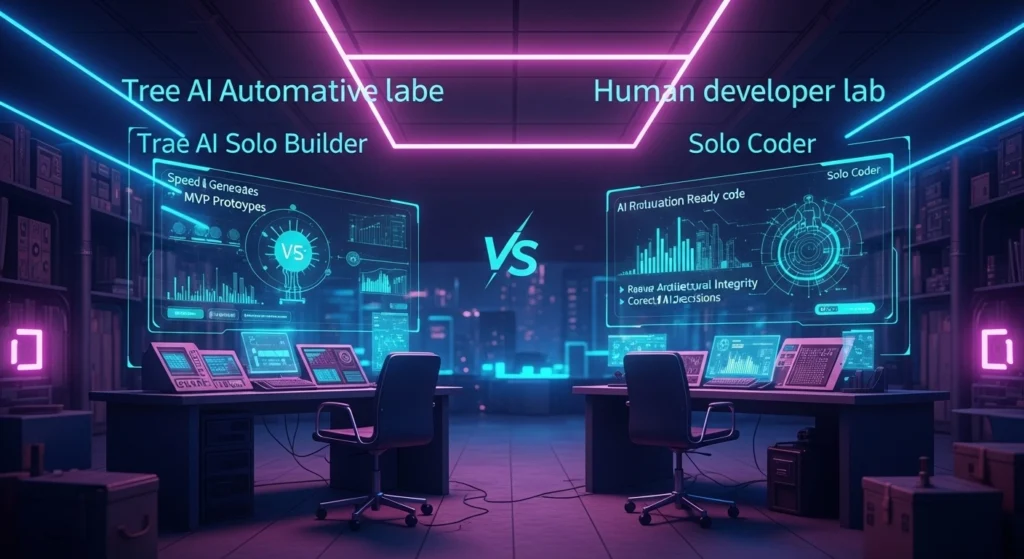
| Solo Builder | Zero to One (MVP) | Prioritize speed, functionality and validation. | Low. It’s okay if the code is messy. |
| Solo Coder | One to 100 (Production) | Prioritize efficiency, security and architectural integrity. | High. Limit work to small tasks carefully review code. |
For an MVP (Zero to One), using Solo Builder saves time and stress. Why worry about efficient code when you just need a working prototype to pitch an idea?
However, Solo Coder must be used with a pinch of salt. The developer behind the screen must remain highly skilled to ensure the system doesn’t introduce technical debt or security flaws. We must be very careful not to let the agent severely damage the codebase during complex feature implementation.
The Human-in-the-Loop Imperative
Trae AI’s design inherently supports the “Human-in-the-Loop” model by giving the AI access to the terminal, browser console and execution environment. This allows the agent to diagnose errors that previously required a human to copy-paste logs.
This high level of information flow means the Coding Agent is acting on the same data a developer would. But its output should be seen as a strong suggestion a sophisticated pull request not a command.
Ultimately, the goal of integrating Trae AI into your workflow is not replacement, but acceleration. Where a developer used to take a month to build one piece of software, they can now build ten, provided they maintain rigorous quality checks on the code generated, especially in the Solo Coder mode.
Final Verdict: Why Trae AI is the Ultimate Coding Agent
The race in the Coding Agent market is tight, with Cursor, GitHub Copilot and now Trae AI vying for the developer’s attention.
Trae AI stands out because of its philosophy. It doesn’t just treat AI as an autocomplete tool or a simple chat interface it treats it as an autonomous, responsive coding agent capable of defining strategy (Plan Mode), parallelizing tasks and even creating specialized sub-agents.
For the developer looking to bridge the gap between initial idea validation and scaling a production-ready application, the dual nature of Solo Builder and Solo Coder makes Trae AI a truly formidable, zero-to-one and one-to-one-hundred solution that significantly rivals its competition.
If you are serious about leveraging AI to maximize productivity, Trae AI is an essential tool to integrate into your stack.
Frequently Asked Questions (FAQs)
Q1: What is Trae AI and how does it compare to Cursor?
Trae AI is a powerful Coding Agent and integrated development environment (IDE), built as a fork of VS Code. It is often developed by ByteDance, the parent company of TikTok. The key difference between Trae AI and Cursor AI is their approach: Trae AI emphasizes autonomous, structured project management through its “Solo Builder” (MVP creation) and “Solo Coder” (deep development with planning and parallel tasks) modes. Cursor tends to focus more on fluid, inline editing and chat integration.
Q2: What is the “Zero to One” concept in Trae AI?
The “Zero to One” concept refers to taking a vague idea (“Zero”) and creating a functional Minimum Viable Product (MVP) or prototype (“One”). Trae AI handles this through its Solo Builder mode, which autonomously manages project initialization, dependency installation and basic feature implementation based on a natural language prompt, allowing developers to validate ideas instantly.
Q3: Is Trae AI free to use?
Trae AI typically offers a limited free tier, but the power features, particularly those relying on advanced Large Language Models (LLMs) like GPT-4o or Claude 3.5 Sonnet, usually require a Pro subscription. This is standard for any Coding Agent, as using these cutting-edge models incurs significant token costs for the provider.
Q4: What is the purpose of Solo Coder’s “Plan Mode” and parallel tasking?
Solo Coder’s Plan Mode forces the AI to create a step-by-step strategy for complex feature implementation before writing any code. This allows the human developer to review, edit or reject the architecture, maintaining control over the codebase. Parallel tasking is a unique feature that allows the Coding Agent to work on multiple, independent tasks simultaneously (e.g., backend auth and frontend UI), dramatically accelerating the “One to 100” refinement phase.
Q5: Will Coding Agent like Trae AI replace developers?
No. Trae AI is a sophisticated tool that acts as a force multiplier, automating boilerplate code, debugging and initial project setup. It replaces tedious, repetitive work, allowing developers to focus on higher-level tasks like architecture, system design and complex problem-solving. Success in the future requires integrating Trae AI into your workflow, not relying on it entirely.